Stage mode
GuidePerform from a full-screen chart on the web with auto-scroll, paged layout, and hands-free control.
A non-hot-reloadable change occurred and we must rebuild.
Available without signing in.
Join the public beta on TestFlight, sign in, and take your charts and setlists to rehearsal and the stage.
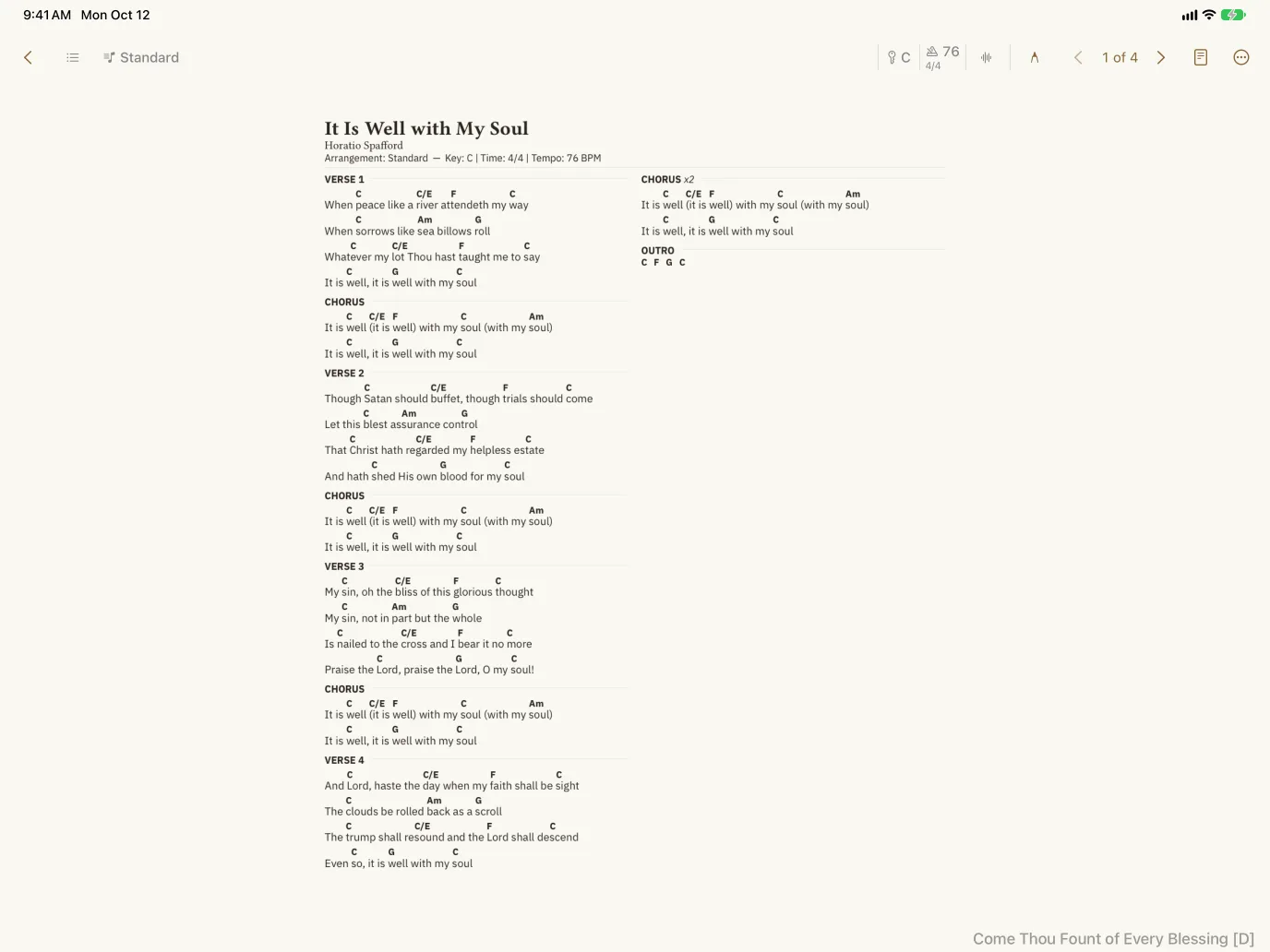
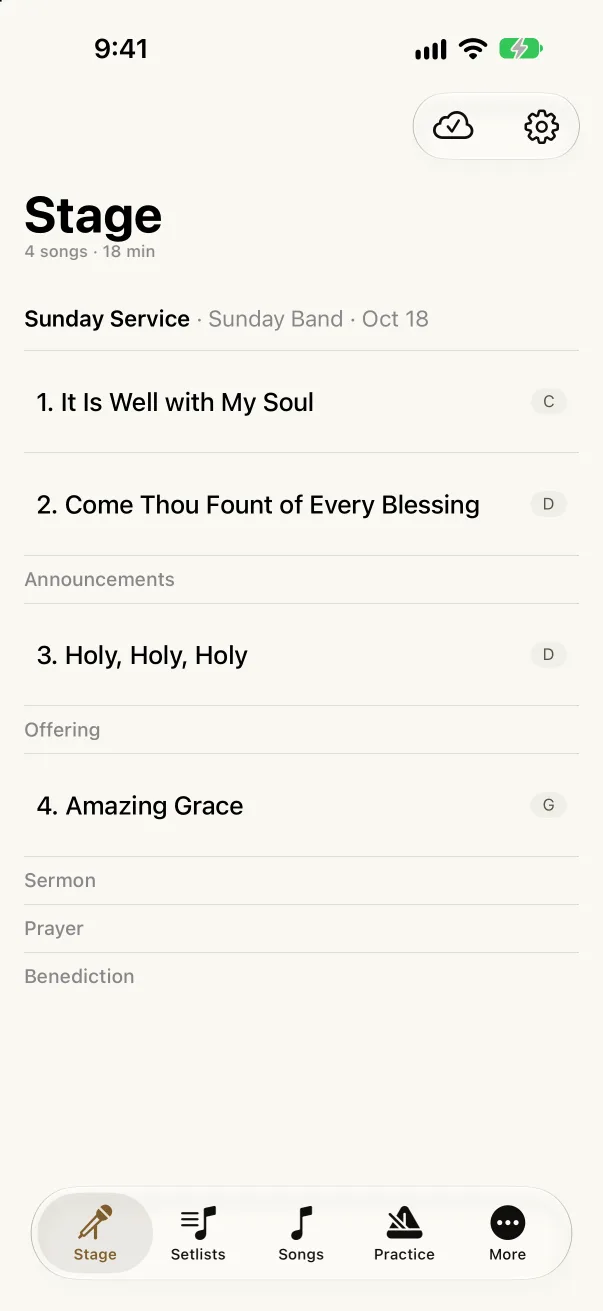

Akordo for iPhone and iPad is in public beta through TestFlight, Apple's app for trying apps before they reach the App Store. The app is free, and it needs iOS 26 or iPadOS 26 or later.
Reading this on a computer? Open the iPhone & iPad page and scan its QR code with your iPhone or iPad camera to open the beta link there.
TestFlight tells you when a new build is ready. Turn on Automatic Updates for Akordo in TestFlight to install new builds as they arrive. Each build expires after a while, so keep TestFlight installed to stay current.
To leave the beta, delete the app. Your library lives in your Akordo account, not on the device, so nothing is lost, and it is there when you install the App Store version.
The app has five tabs:
Charts, arrangements, saved keys, notes, recordings, and setlists are the same ones you see on the web. A change on one device shows up on the others.
Every chart works as a performance view: tap the chart to hide everything but the music, switch between Scroll and Pages with the layout button, and pinch to zoom. Pages lays the chart out like the printed page.
The app's Help › Stage setup guide walks through pedals, MIDI, and second screens.
Before you leave for a gig, open the setlist's More menu and choose Download…. Akordo keeps the charts, your notes and ink, and the recordings on the device so the set plays without a signal. The panel shows what is ready and when it was last checked. Removing a download only frees space on that device.
A few jobs are easier on a bigger screen and are web-only for now:
This is a beta, and we want to hear what works and what doesn't. Take a screenshot in the app and TestFlight offers to send it to us with a note, or open More › Contact support to write to us. Replies appear in the same place.