
Practice with the recording
Attach recordings to an arrangement and choose a backing track. Practice in another key without changing the track’s tempo.
A non-hot-reloadable change occurred and we must rebuild.
Chord charts & setlists for bands
Keep your songs, recordings, and setlists together. Find the right key for your singer, rehearse with a backing track, and bring the whole band to the same chart.
Save your work and invite your band. No password or credit card needed.
Already have an account? Sign in
Change the key or edit the chart above. Tap a chord for fingerings. This demo is not saved.
Keep the chart, arrangement, and running order together, so everyone knows what to practice and what to play.
Every chart your band plays, in one place everyone can open.
Save vocal keys for each arrangement and choose the one you need for the set. Your capo preference stays personal.
Plan the running order, check song readiness, and share a printable setlist.
NewiPhone & iPad public beta
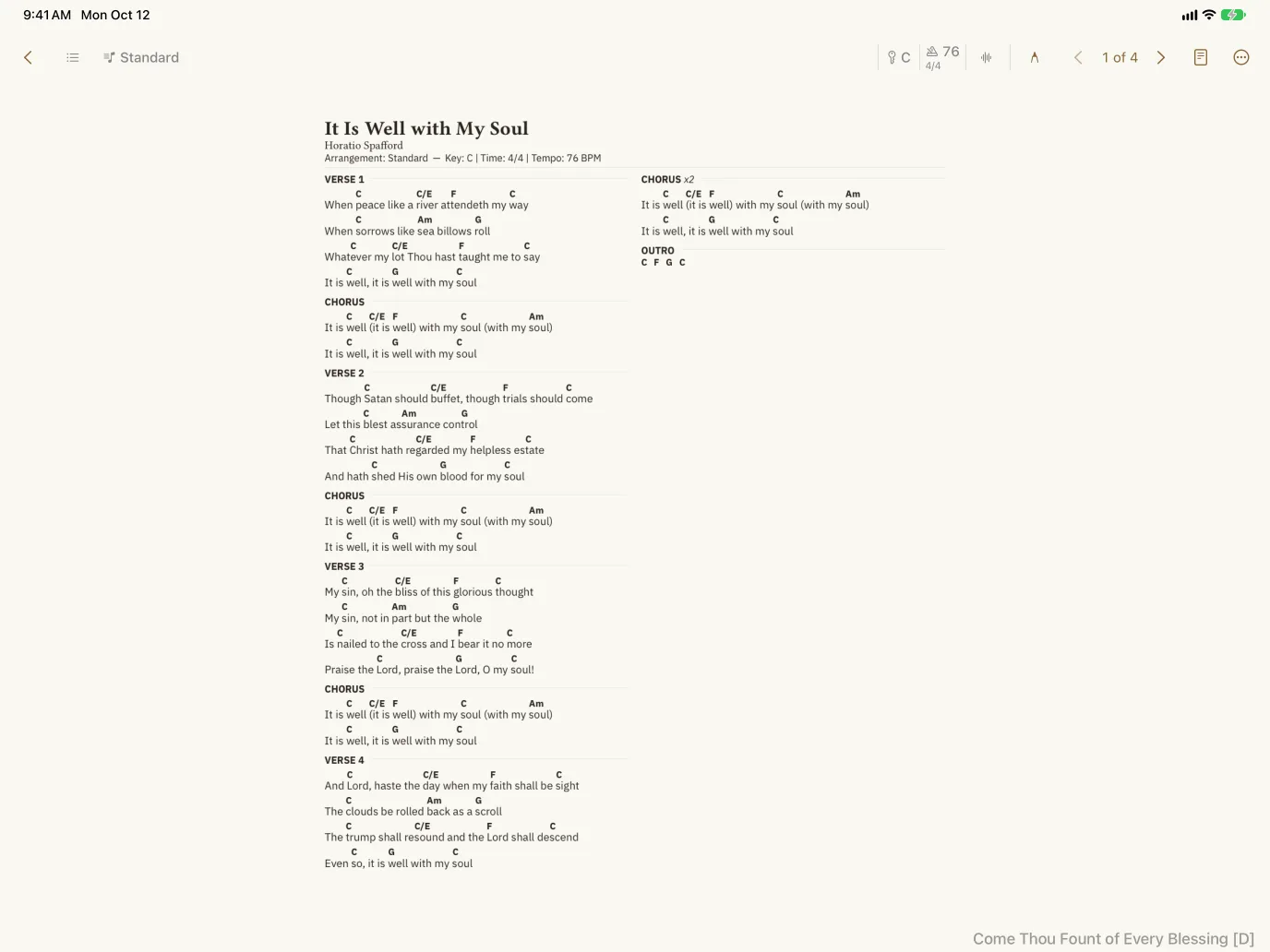
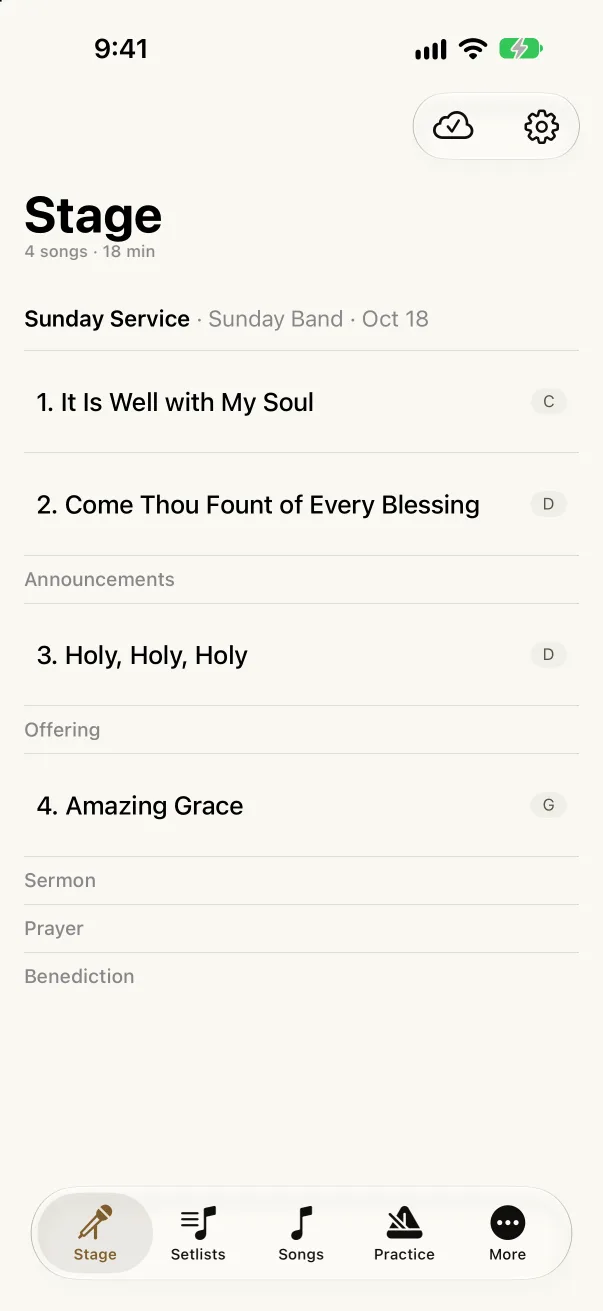
The Akordo app brings your band’s charts, setlists, and recordings to iPhone and iPad. Sign in and your library is already there.
Free. Needs iOS 26 or later.
How it works
Write a chart once, build it into a setlist, and bring the whole band along.
Use the guided editor or write in ChordPro. Keep arrangements, strum patterns, and rehearsal notes with the song.
Choose the arrangement and vocal key for each song. Add cues, check the runtime, and mark what needs rehearsal.
Invite your band to a shared library. Assign musicians to the setlist and see who has confirmed.
Keep the details that make an arrangement yours right beside the music.
Attach recordings to an arrangement and choose a backing track. Practice in another key without changing the track’s tempo.
Add strum patterns to your chart, then show or hide them as you play. Keep the groove with the chords and lyrics.
Mark songs as new, ready, or needing attention. Review the set’s timing and team confirmations before the next show.
Look up a voicing before rehearsal or explore a fretboard pattern. The same maps are one tap away from every chord in your charts.
Pick a chord and compare playable shapes.
Save your first chart, build a setlist, and invite your band when you’re ready. You can start on your own.
Continue with your email to create an account or sign in. No password or credit card needed.