Gigging bands
Keep your repertoire organized, plan each show’s running time, and print charts for the stands.
A non-hot-reloadable change occurred and we must rebuild.
For bands, worship teams & music groups
Give your band a shared library of charts and recordings. Choose the arrangement and vocal key for each song, plan the set, and make it clear what everyone needs to practice.
Start with your own library, then invite your band. No credit card.
Already have an account? Sign in
Drag songs into order, choose arrangements and vocal keys, and add breaks or spoken cues. Check the runtime and song readiness, then open Perform or export a PDF for the stands.
Invite musicians to your group and choose who can edit. Assign people and roles to a setlist, see their confirmations, and review planning notes before rehearsal.
New · iPhone & iPad public beta
Everyone opens the band’s charts and setlists in the Akordo app. Practice on the phone, then put the iPad on the stand: charts lay out like the printed page, a Bluetooth pedal turns them, and the set downloads before you leave so it plays without Wi‑Fi.
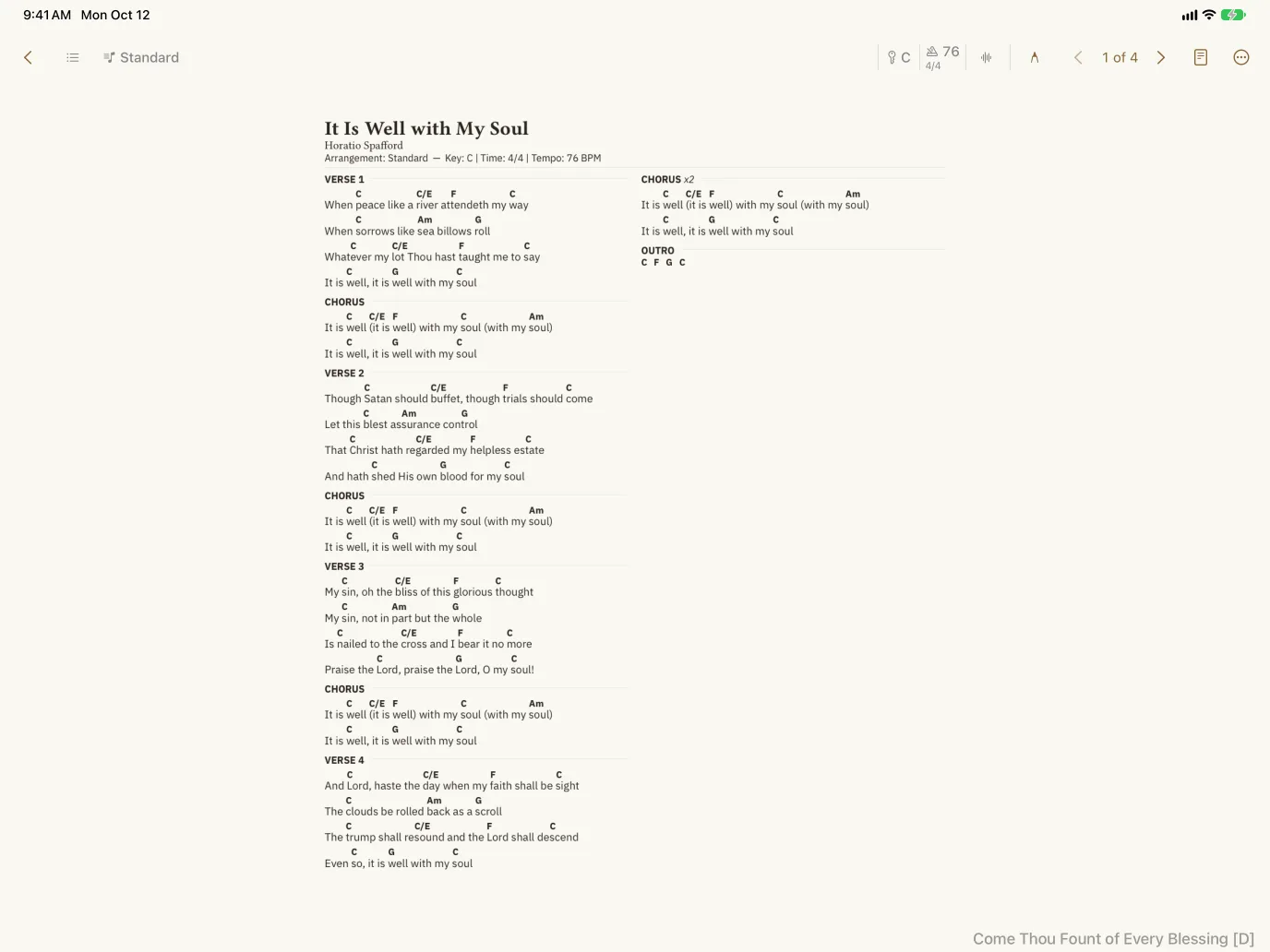
Attach recordings to an arrangement, choose a backing track, and rehearse in the key you’ll perform. Playback can change key without changing tempo, so the recording stays useful for every singer.
Keep your repertoire organized, plan each show’s running time, and print charts for the stands.
Save vocal keys for each singer, add service cues, and confirm who is playing.
Share charts, strum patterns, and reference recordings for the next rehearsal.
Your account saves your charts and setlists, and gives you a place to share them with the people you play with.
Create an account or sign in with your email. No password or credit card needed.